Output
Held keys; transitions; repeat intervals
See pressed keys and test modifiers, navigation keys and simultaneous inputs.
Keyboard Tester · At a glance
Quick answer: See pressed keys and test modifiers, navigation keys and simultaneous inputs. A highlighted key shows a browser key-down event; it should clear after release.
The test loads when you open it. Device access is requested only after you choose to start.
Detailed guide
Held keys; transitions; repeat intervals
Focused physical key presses
KeyboardEvent.code; keydown and keyup
Runs on your device; no tool-result upload
The tester records browser key-down and key-up events, tracks held keys, and separates operating-system repeats from fresh presses. Short intervals are clues to investigate, not proof of a defective switch.
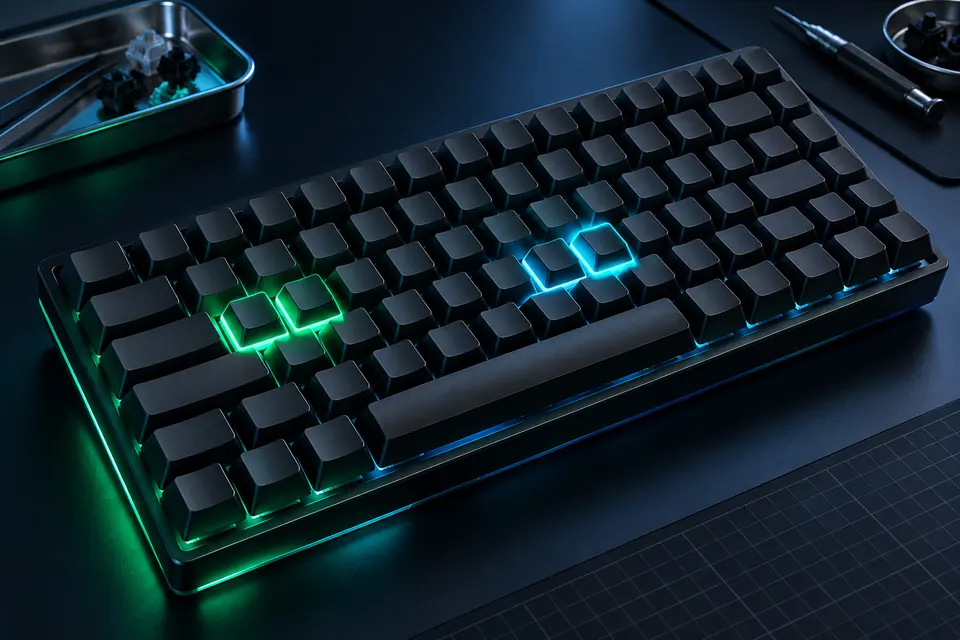
A highlighted key shows a browser key-down event; it should clear after release. Physical key codes and typed characters can differ with layout.
Test reserved keys separately. Some Fn, media and operating-system combinations never reach a page.
System shortcuts and some special keys are intercepted before a web page receives them. USB polling frequency, analog actuation distance and physical rapid-trigger settings cannot be read from keyboard events.
Many keyboards handle Fn in firmware rather than exposing it as an independent browser event. Its absence here does not prove the switch is defective.
Click the test area to focus it, then press and release the keys you want to inspect. Try simultaneous combinations for a ghosting check.
Physical codes describe a key position, while characters depend on layout and modifiers. A different printed legend does not necessarily mean the wrong physical event was delivered. Use the log together with your selected keyboard layout.
Hold the exact combination you use, such as W, A, Shift and Space, and watch whether every held key remains active. Test other combinations separately. One successful chord does not certify unrestricted rollover for every key.
The operating system produces repeat events after an initial delay. They are different from a complete release followed by a fresh press. Inspect that distinction when investigating unwanted repeated text.
No. Open the interactive tool above in a modern browser. The instructions and explanations are available even with JavaScript disabled; running a test needs JavaScript.